Control
How to fly in Ant Evolution
Equip the Rare Winged mutation in MUTATE or own the Flying Wings pass (349 Robux), then hold Space on PC (or jump on mobile) to take off.
Updated 19 November 2026
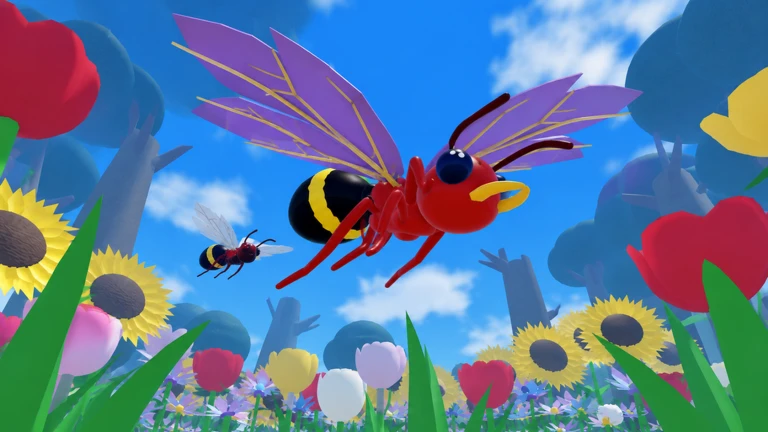
Check your flight access
There are two verified ways to fly in Ant Evolution:
- Winged mutation (free): Press M or open MUTATE on the left-side menu. Winged is a Rare mutation (blue card tier). Roll mutations until you unlock it, then equip it in one of your mutation slots. Rolling duplicate copies raises its star level for bonus stats.
- Flying Wings game pass (349 Robux): Listed on the official Roblox store for Ant Evolution (checked November 19, 2026 via Roblox's game-pass catalog). Its official description is "FLY anytime with royal wings, no mutation needed. +4s flight." Because it does not take a mutation slot, you can keep other mutations equipped.
Flight controls by device
- PC / Keyboard: Press and hold Space (jump) to take off and fly, then press G (or the on-screen LAND prompt) to return to the ground.
- Mobile / Touch & Controller: Look for the jump/flight and land buttons shown on screen after equipping Winged or owning Flying Wings.
If the flight prompt does not appear, open MUTATE to confirm Winged is equipped in an active slot, or check STORE → PASSES to confirm Flying Wings is active on your account.
Use the Lost Egg search guide to plan which parts of the map to check. See all calculators and the code redemption guide.